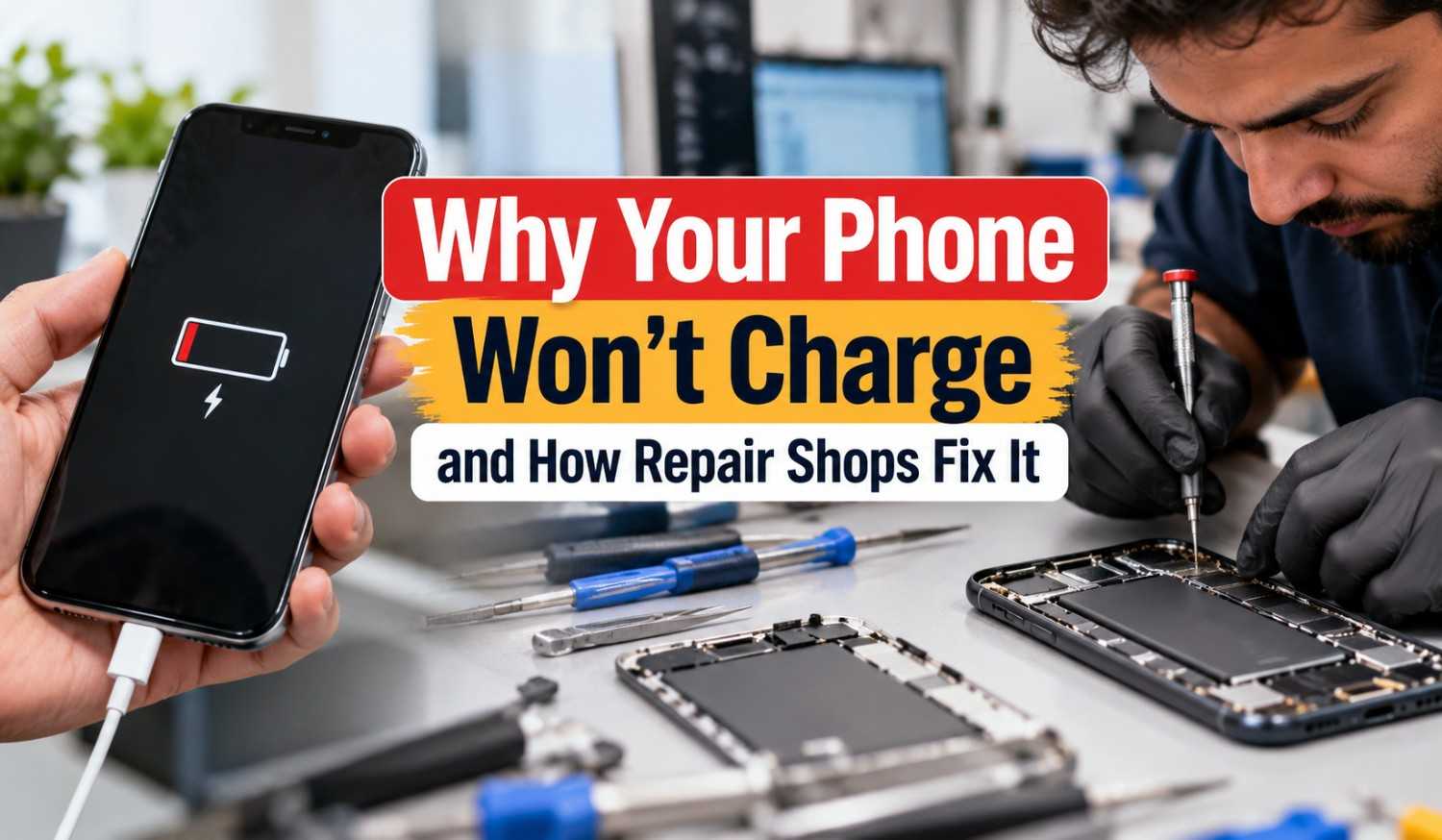
Why Your Phone Won’t Charge and How Repair Shops Fix It
You plug in your phone before bed. In the morning, it’s still at 12 percent. Or maybe the charging icon flickers on and off every time you move the cable. It’s frustrating, and it usually happens right when you need your phone the most. The good news is that most charging problems have a clear cause. Sometimes it’s a worn-out cable or a dirty port. Other times it’s a failing battery, a software glitch, or damage to the charging circuit inside the phone. Some of these you can fix at home in just a few minutes. Others need a trained technician with the right tools.
This article explains the most common reasons a phone won’t charge, what you can try yourself first, and how repair shops find and fix the problem. It also covers what repairs usually cost and when it makes more sense to repair or replace your phone.
Start With the Easy Checks
Before you assume the phone is broken, rule out the basics. A lot of “dead” phones turn out to be fine.
- Try a different cable. Cables wear out fast, especially near the ends.
- Try a different power adapter. Cheap or old adapters often stop working without any sign.
- Try a different outlet. Power strips and wall outlets fail too.
- Take off the case. Some thick cases stop the cable from going all the way in.
If the phone charges fine with a different cable or adapter, you found your problem. If not, keep reading.
Common Reasons Your Phone Won’t Charge
A Damaged or Low-Quality Cable
This is the most common cause. The wires inside a cable can break even when the outside looks fine. Bends near the plug are the usual weak spot. Cheap cables from gas stations or unknown brands may also not handle the power your phone asks for. Some phones will charge slowly or not at all with them.
Lint and Dirt in the Charging Port
Your phone spends a lot of time in pockets and bags. Lint, dust, and crumbs get pushed into the port every time you plug in. Over time, this builds up into a packed layer at the back. The cable can’t seat fully, so the pins don’t make good contact. A sign of this is a cable that feels loose or doesn’t “click” into place like it used to.
Moisture in the Port
Newer iPhones and many Android phones will block charging if they detect liquid in the port. You might see a warning like “Liquid Detected” or a water drop icon. This protects the phone from a short circuit. The fix is usually just to let the phone dry out. But if the warning won’t go away after a day, there may be corrosion inside.
A Worn-Out Battery
Phone batteries lose capacity over time. After a few hundred full charge cycles, most drop to around 80 percent of their original health. That’s when you start to notice problems.
A weak battery can cause:
- Very slow charging
- The phone dying at 20 or 30 percent
- Random shutdowns
- The phone only working while plugged in
- A swollen battery that pushes the screen up
A swollen battery is a safety risk. Stop charging it and get it looked at. On an iPhone, you can check battery health in Settings under Battery. On many Android phones, you’ll find it under Battery or Device Care, though some brands hide it.
Software Problems
Sometimes the hardware is fine and the software is the issue. A bad update, a stuck background process, or a system bug can stop charging or make the battery reading wrong.
Newer phones also have charging features that can look like a problem. iPhones have Optimized Battery Charging and a charge limit setting that can stop at 80 percent. Many Android phones have adaptive charging that slows down overnight. These are on purpose. Check your settings before assuming something is broken.
A Damaged Charging Port
Ports wear out. Plugging in and pulling out thousands of times loosens the connections. Drops can also bend pins or crack the port. If the cable wiggles, only charges at a certain angle, or the port looks bent inside, the port itself probably needs to be replaced.
Charging Chip or Board Damage
Inside every phone is a small chip that controls charging. It manages how much power goes to the battery. A cheap charger, a power surge, or water damage can kill this chip. When that happens, the phone may not charge at all, even with a new port and battery. This is a more advanced repair that needs board-level work, often called micro-soldering.
Wireless Charging Issues
If only wireless charging has stopped, check the pad first. Thick cases, metal cards, or magnetic accessories can block it. The newer Qi2 standard uses magnets to line things up better, but older pads and phones can still be picky about placement. If the pad works with other phones, the wireless coil inside your phone may be damaged.
What to Do Before Visiting a Repair Shop
Safe Fixes You Can Try at Home
- Restart your phone. It sounds basic, but it clears a lot of software glitches.
- Use a known good cable and adapter from the phone maker or a trusted brand.
- Look inside the port with a flashlight. If you see lint, gently remove it with a wooden toothpick or a plastic tool.
- Let the phone dry fully if you see a moisture warning. Leave it in a dry place with good airflow.
- Update your software to the latest version.
- Check battery health in your settings.
- Let a fully dead phone charge for 30 minutes before trying to turn it on.
Things You Shouldn’t Do
- Don’t use metal objects like paperclips or pins in the port. They can short the pins or scratch them.
- Don’t put your phone in rice. Apple and others now advise against this. Rice dust can get into the port, and it doesn’t dry the phone any faster.
- Don’t use a hair dryer or put the phone near heat. Heat damages batteries.
- Don’t keep using a swollen battery. It can catch fire.
- Don’t force a cable in if it doesn’t fit smoothly.
How Repair Shops Find the Problem
A good repair shop doesn’t just guess. They test. Most diagnostics take 15 to 30 minutes, and many shops do this for free or apply the fee toward the repair.
Visual Inspection
The tech looks at the port under a magnifier or microscope. They check for lint, corrosion, bent pins, and damage.
USB Power Meter Testing
This small tool sits between the charger and the phone. It shows how much power the phone is actually pulling. If the phone draws zero, or the numbers jump around, it points to a specific problem.
Battery Testing
Shops can read the battery’s health, cycle count, and voltage with diagnostic software.
Testing With Known Good Parts
The tech may plug in a working battery or port to see if charging comes back. This confirms which part failed.
Board-Level Checks
If none of that works, they’ll open the phone and test the charging circuit with a multimeter.
How Repair Shops Fix It
Port Cleaning
A deep clean with the right tools. It’s quick and cheap, and it fixes more phones than you’d think.
Charging Port Replacement
The old port comes out and a new one goes in. On some phones, the port is soldered to the main board, which takes more skill.
Battery Replacement
The old battery is removed and a new one is installed. This usually takes under an hour.
Corrosion Cleaning
For water damage, techs clean the board with special solutions to remove rust and residue.
Charging Chip Repair
Using micro-soldering, the tech removes the damaged chip and puts in a new one.
Software Restore
If it’s a software issue, they may reset or reinstall the operating system. Back up your phone before this.
Repair Costs and Decisions
What Charging Repairs Usually Cost
Prices depend on your phone model and your area. These are rough ranges at independent shops:
- Port cleaning: free to about $30
- Charging port replacement: about $50 to $150
- Battery replacement: about $60 to $120
- Charging chip or board repair: about $100 to $250
Newer flagship phones cost more to repair. Local rates vary too, so a phone repair shop Cumming customers visit may price things differently than a shop in a bigger city. Ask for a quote before any work starts, and ask whether they use new or original quality parts.
Should You Repair or Replace?
Repair usually makes sense if:
- The phone is less than four or five years old
- The repair costs less than half the price of a new phone
- You’re happy with everything else about it
Replacement might be better if:
- The phone no longer gets software updates
- It has several problems at once, like a cracked screen and a weak battery
- The repair cost is close to the price of a newer phone
How to Choose a Good Repair Shop
Not every shop does the same quality of work. Look for these things:
- A warranty on parts and labor, at least 90 days
- Clear pricing before any work begins
- Good reviews that mention the kind of repair you need
- Board-level repair skills if your issue is more than a port or battery
- Fair diagnostic policies so you’re not charged just to hear bad news
If you live in the Triad area, searching for cell phone repair Greensboro NC will give you a list of local options to compare. Check each one against the points above before you hand over your phone.
Tips to Keep Your Phone Charging Well
- Use good quality cables and adapters
- Clean the port gently every few months
- Avoid charging in hot places, like a car dashboard
- Don’t let the battery drop to zero often
- Turn on your phone’s battery protection features
- Replace frayed cables before they cause damage
Final Thoughts
A phone that won’t charge isn’t always a big problem. Start with a different cable and a quick look at the port. If that doesn’t work, check your battery health and settings. And if the issue is still there, a repair shop can test it and tell you exactly what’s wrong. Most charging problems can be fixed in a single visit for much less than the cost of a new phone.